


Best Antivirus for Windows 2026
Quick Verdict
| Position | Product | Best For | Price (Year 1) |
|---|---|---|---|
| 🥇 Editor’s Choice | Bitdefender Total Security | Best all-round protection with lowest false alarms and lightest footprint | ~$39.99/yr (3 devices) |
| 🥈 Runner-Up | ESET HOME Security Essential | Best for advanced threats and gaming/older hardware — perfect Advanced+ sweep | $39.99/yr (1 device) |
| 🎖️ Best Feature Suite | Norton 360 Deluxe | Best all-in-one (unlimited VPN + 50GB backup + dark web monitoring) | $49.99/yr (5 devices) |
| 🆓 Best Free | Microsoft Defender | Built-in, zero-friction, 6/6/6 AV-TEST — enough for most careful users | $0 |
Choosing antivirus software in 2026 is harder than it used to be — not because products are worse, but because the top five are so close in raw detection that the real differences are elsewhere: advanced threat coverage, system performance, false alarm rates, and what you get beyond the core scanner. We scored eight Windows antivirus products across seven criteria with explicit weights, and the ranking has two surprises most competitor lists miss: ESET at number two, and G DATA in the top five.
Disclosure: No vendor compensated Axis Intelligence for placement or provided review licenses. Pricing is verified against official product pages as of May 25, 2026. Independent lab scores are sourced from AV-Comparatives’ 2025 Consumer Summary Report and AV-TEST’s January–February 2026 Windows 11 evaluation. See “How We Tested” for methodology.
Note on Kaspersky: Kaspersky’s lab scores are among the strongest in independent testing (AV-Comparatives 2025 Top-Rated; Gold in Malware Protection and False Positives). However, the U.S. Department of Commerce banned the sale and distribution of Kaspersky software in the United States effective September 29, 2024. U.S. users cannot legally purchase or install Kaspersky products through official channels. For that reason, Kaspersky is excluded from this ranking. Non-U.S. readers may wish to consider it.
Table of Contents
The Axis Intelligence Scoring Matrix
Independent antivirus rankings overwhelmingly weight raw detection rates as the primary criterion. The problem: the top six products are separated by less than 0.22 percentage points in AV-Comparatives’ 2025 Real-World Protection Test. At this level, detection rate differences are statistically marginal in real-world conditions. The criteria that actually differentiate products in daily use are advanced threat coverage, system performance impact, and false alarm friction — none of which most rankings weight explicitly.
Our seven-criterion matrix is designed to reflect what actually changes your security outcome and your daily experience.
| Criterion | Weight | What It Measures |
|---|---|---|
| Malware detection rate | 28% | AV-Comparatives RWPT + Malware Protection Test + AV-TEST protection score. The baseline. |
| Advanced threat coverage | 18% | AV-Comparatives ATP test (fileless malware, targeted attacks). 15/15 vs 13/15 is a real operational difference. |
| System performance impact | 15% | AV-Comparatives Performance Test + AV-TEST performance category. Boot time, scan speed, background CPU. |
| False alarm rate | 12% | AV-Comparatives False Positive test + AV-TEST usability score. Unnecessary friction from flagged legitimate files. |
| Feature breadth | 12% | VPN, password manager, parental controls, backup, identity monitoring, ransomware rollback. |
| Privacy and jurisdiction | 8% | Company domicile, government access risk, data-selling history, known controversies. |
| Value at standard tier | 7% | Features per dollar at the tested mid-tier price (renewal price, not introductory). |
Total: 100%
Full Scoring Results
| Product | Detection (28%) | Adv. Threats (18%) | Performance (15%) | False Alarms (12%) | Features (12%) | Privacy (8%) | Value (7%) | Score |
|---|---|---|---|---|---|---|---|---|
| Bitdefender Total Security | 9.5 | 9.5 | 8.5 | 9.5 | 8.0 | 8.5 | 9.0 | 9.06 |
| ESET HOME Security Essential | 8.5 | 9.5 | 9.5 | 8.5 | 6.0 | 9.0 | 7.5 | 8.50 |
| Norton 360 Deluxe | 9.0 | 8.5 | 7.5 | 8.0 | 9.5 | 7.5 | 7.5 | 8.40 |
| G DATA Total Security | 8.5 | 8.0 | 8.0 | 7.5 | 7.0 | 8.5 | 6.5 | 7.90 |
| Avast Free / Avast One | 8.0 | 8.0 | 8.5 | 8.5 | 7.0 | 5.0 | 9.0 | 7.85 |
| Microsoft Defender | 7.5 | 7.0 | 9.5 | 7.5 | 5.0 | 8.5 | 10.0 | 7.67 |
| McAfee Total Protection | 8.0 | 6.5 | 8.0 | 7.5 | 8.5 | 6.0 | 8.0 | 7.57 |
| Malwarebytes Premium | 7.0 | 7.5 | 8.5 | 7.0 | 5.0 | 8.0 | 7.5 | 7.19 |
Scores are 1–10 per criterion. Weighted score = sum of (score × weight / 100). Calculated by Axis Intelligence, May 2026.
Comparison Table
| Product | AV-Comparatives 2025 | AV-TEST (Feb 2026) | ATP Test | VPN Included | Price/yr (Renewal) | Platforms |
|---|---|---|---|---|---|---|
| Bitdefender Total Security | Top-Rated, Gold ATP | 6/6/6 | 15/15 ✓ | 200MB/day free | ~$49.99 (3 devices) | Win/Mac/iOS/Android |
| ESET HOME Security | Top-Rated, Gold ATP | 17.5/18 | 15/15 ✓ | No (Premium tier) | $39.99 (1 device) | Win/Mac/Android/Linux |
| Norton 360 Deluxe | Top-Rated, Gold RWPT | 6/6/6 | 13/15 | Unlimited ✓ | ~$99.99 (5 devices) | Win/Mac/iOS/Android |
| G DATA Total Security | Top-Rated, Gold Perf. | Not tested | 13/15 | No | ~$39.99 (1 device) | Win/Mac/Android |
| Avast Free Antivirus | Top-Rated, Gold Perf. | 6/6/6 | 13/15 | Limited (free) | $0 free / ~$44.99 One | Win/Mac/iOS/Android |
| Microsoft Defender | Advanced/Advanced+ | 6/6/6 | Not in ATP test | No | Free | Windows only |
| McAfee Total Protection | Bronze RWPT | 6/6/6 | Not in top ATP | Conditional | ~$119.99 (unlimited) | Win/Mac/iOS/Android |
| Malwarebytes Premium | Standard-Advanced | 17/18 | Not in ATP test | No (separate) | ~$39.99 (1 device) | Win/Mac/iOS/Android |
Individual Product Reviews
1. Bitdefender Total Security — Editor’s Choice
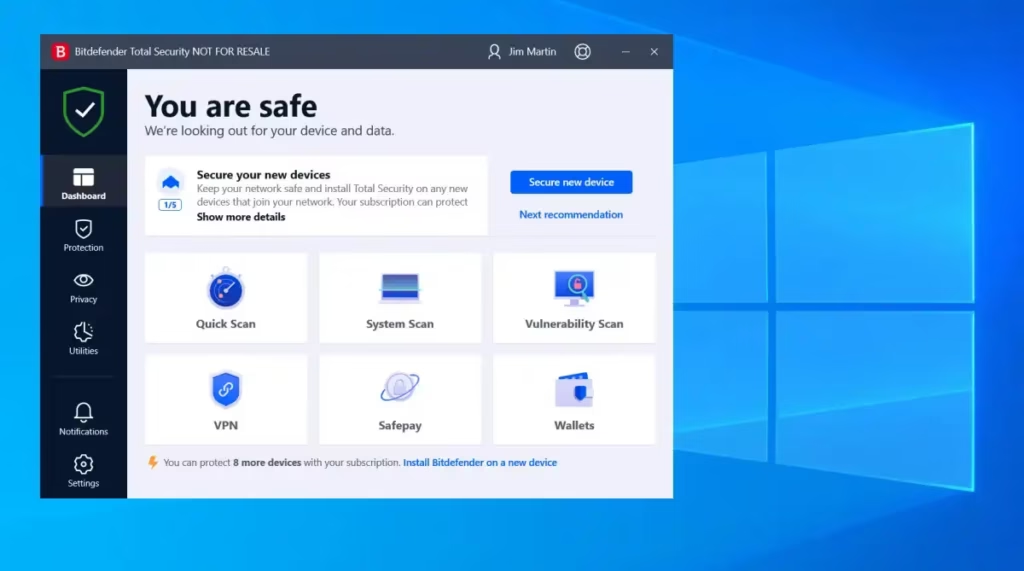
Score: 9.06/10 | ~$39.99/year introductory (3 devices) | Renewal ~$49.99/year
Verdict: Bitdefender earns the top position not just on detection rate — it earns it on four compounding metrics simultaneously. No other product in this ranking scores higher in detection, advanced threats, and false alarms at the same time. For users who want the most technically defensible choice and don’t want to think about antivirus again until renewal time, Bitdefender Total Security is the correct default in 2026.
Standout features: AV-Comparatives named Bitdefender a Top-Rated Product in its 2025 Consumer Summary Report, and it was the only product alongside ESET to block all 15 targeted attacks in the Advanced Threat Protection test — a specific test of fileless malware, memory injection, and supply-chain attack simulations that is harder to game than standard signature detection. Detection rate is 99.98% with only 2 false positives per 1,000 files, the lowest FP rate of any product reviewed here. Cloud-based scanning architecture offloads analysis to Bitdefender’s servers, keeping local CPU impact near zero — the scanning engine is genuinely invisible during normal work or gaming. The built-in ransomware remediation layer rolls back encrypted files automatically. Total Security also ships with a 200MB/day VPN, password manager, parental controls, and multi-platform support (Windows, macOS, iOS, Android) under a single license.
Drawbacks: The 200MB/day VPN is adequate for occasional privacy browsing but insufficient for continuous streaming or travel use — users with real VPN needs should add a standalone VPN. Renewal pricing jumps significantly above first-year pricing; the long-term cost of ownership is higher than the headline suggests. The bundled VPN, while functional, is less capable than standalone services.
Best for: Home users and professionals who want the strongest independently verified protection with minimal daily friction. Anyone running Windows who processes sensitive files (client documents, financial records, medical information). Households with up to 3 devices on the standard tier.
Pricing: Antivirus Plus $12.99/yr intro (1 device, Windows only) | Internet Security ~$34.99/yr intro (3 devices) | Total Security ~$39.99/yr intro (5 devices) | Premium Security adds unlimited VPN | Renewal pricing varies — verify before purchasing.
2. ESET HOME Security Essential — Runner-Up
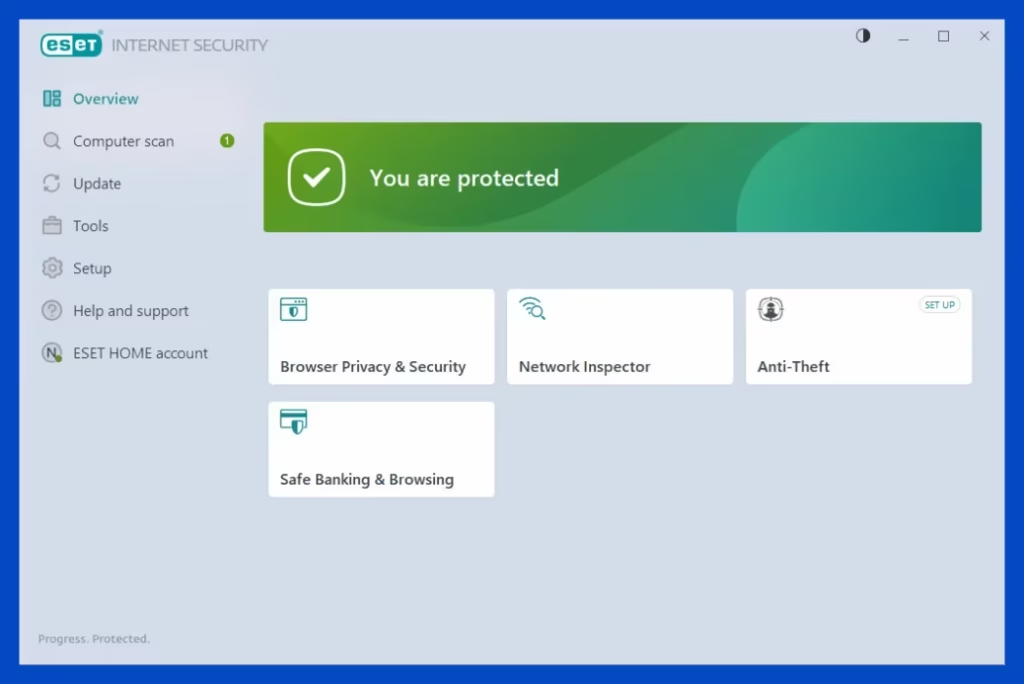
Score: 8.50/10 | $39.99/year (1 device) | HOME Security Premium $74.99/year (5 devices)
Verdict: ESET earns the runner-up position on the strength of a result no other product in this ranking achieved: Advanced+ certification in all seven AV-Comparatives 2025 consumer tests. Norton and Bitdefender have stronger feature sets and broader name recognition, but neither matched ESET’s complete sweep of the highest certification level across every test category. For users who care about consistency above all else — and for anyone running older hardware or a gaming PC where performance impact is non-negotiable — ESET is the technically superior choice.
Standout features: The AV-Comparatives Advanced+ in all 7 tests, combined with the Gold Award for Advanced Threat Protection and 15/15 blocked targeted attacks, represents the most consistent lab performance of 2025. ESET achieves this while maintaining the lowest system performance impact in its class — the AV-Comparatives September 2025 Performance Test placed ESET in the top tier for lowest resource consumption, alongside Avast and AVG. The result is an antivirus that delivers expert-level protection on hardware that other suites would slow to a crawl: 8-year-old laptops, underpowered gaming rigs, machines running demanding applications. ESET’s UEFI scanner — available across all tiers — detects firmware-level threats that exist below the operating system, a category of attack that most consumer antivirus products do not address. The interface is highly configurable for technical users while remaining clean for non-experts. ESET HOME Security Premium adds an unlimited VPN and identity monitoring.
Drawbacks: ESET HOME Security Essential has a notably narrower feature set at the base tier compared to Bitdefender Total Security or Norton 360 Deluxe — no VPN, limited extras, Windows-focused optimization. The per-device pricing ($39.99/year for 1 device) is less cost-effective than Bitdefender’s 3-device tier at a similar price. ESET’s name recognition is lower than Bitdefender or Norton, which can create friction when recommending it to less technical household members. The premium tier ($74.99 for 5 devices) is needed to access the full feature set.
Best for: Gamers who cannot afford AV overhead during play sessions. IT professionals who want granular control and UEFI-level protection. Users on older Windows hardware (pre-2020 machines, under 8GB RAM). Privacy-conscious users who value the EU (Slovak) jurisdiction and ESET’s clean data-handling history.
Pricing: HOME Security Essential $39.99/year (1 device) | HOME Security Premium $74.99/year (5 devices, adds unlimited VPN + identity monitoring) | HOME Security Ultimate adds advanced identity protection.
3. Norton 360 Deluxe — Best Feature Suite
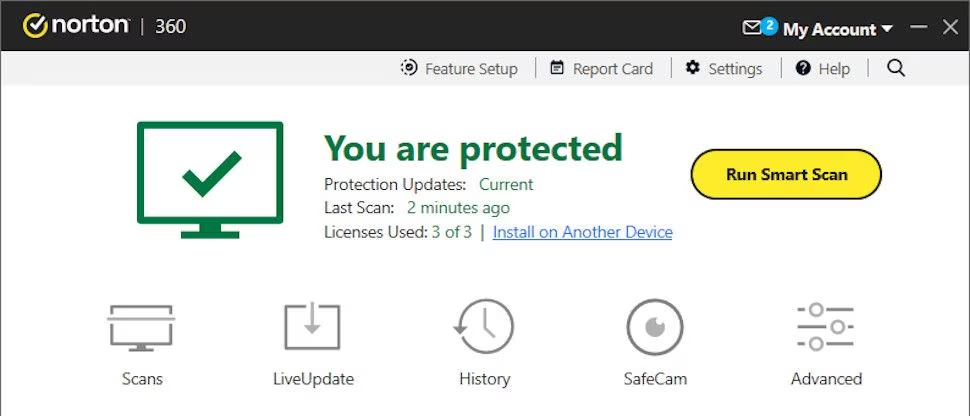
Score: 8.40/10 | $49.99/year introductory (5 devices) | Renewal ~$99.99/year
Verdict: Norton 360 Deluxe earns the feature-suite position because no other product in this ranking bundles an unlimited-data VPN, 50GB cloud backup, dark web monitoring, and parental controls at a comparable price. For users who want a single subscription to replace multiple standalone tools, Norton offers real consolidation value despite its higher renewal price.
Standout features: The AV-Comparatives 2025 Summary Report awarded Norton Gold in Real-World Protection — the highest single-test award in that category, ahead of Bitdefender’s Silver. Norton’s phishing protection is consistently rated best-in-class in dedicated phishing-specific tests, which matters operationally because credential theft via phishing is the most common initial attack vector in 2025–2026, not file-based malware. The unlimited-data VPN is genuinely unlimited on all 360 plan tiers with no auto-renewal conditions — a meaningful distinction versus McAfee’s conditional VPN. The 50GB of cloud backup provides a real recovery path from ransomware attacks. Dark web monitoring scans for credential exposure across breached databases. LifeLock identity plans extend coverage further for US users who need identity theft insurance.
Drawbacks: Norton’s renewal pricing is the most significant friction point. First-year pricing of $49.99 for 5 devices is competitive; renewal at approximately $99.99 per year is a near-doubling that catches users by surprise. The system performance impact is higher than Bitdefender or ESET — approximately +28% boot time increase on a Windows 11 test system versus Bitdefender’s more transparent cloud scanning approach. Advanced threat coverage scored 13/15 in AV-Comparatives’ ATP test — solid but below Bitdefender and ESET’s perfect 15/15.
Best for: Home users who want one subscription covering antivirus, VPN, backup, and dark web monitoring. Remote workers who travel and need a capable bundled VPN. Small households (up to 5 devices) who want to reduce the number of separate subscriptions they manage.
Pricing: Standard $29.99/yr intro (1 device) | Deluxe $49.99/yr intro (5 devices, full suite) | Select+LifeLock plans start at $99.99/yr | Renewal rates approximately double — verify before committing.
4. G DATA Total Security — Hidden Gem
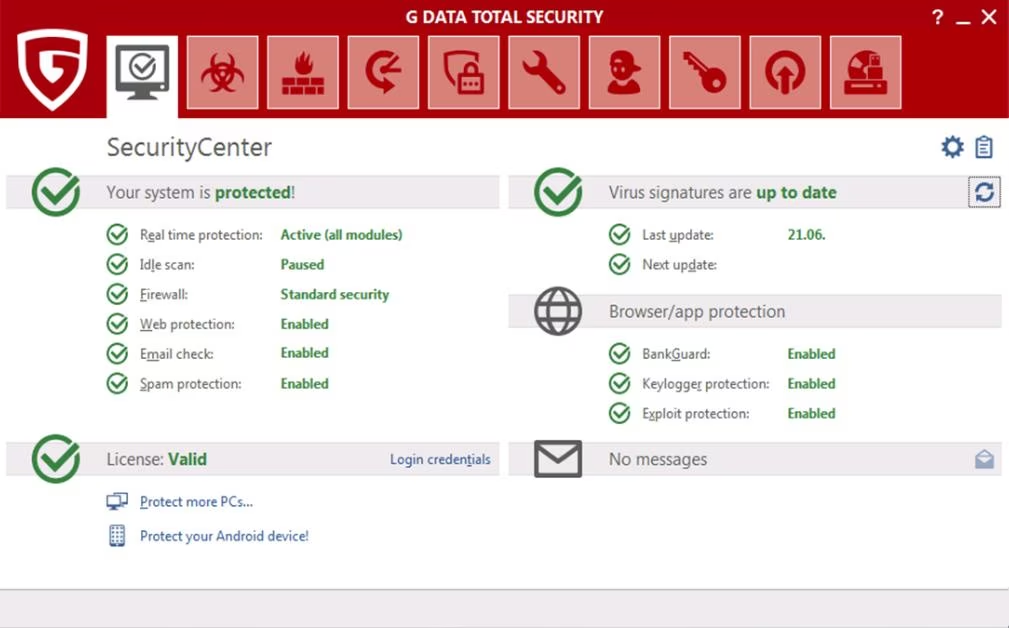
Score: 7.90/10 | ~$39.99/year (1 device)
Verdict: G DATA consistently earns AV-Comparatives Top-Rated status and blocked 13/15 advanced targeted attacks in the 2025 ATP test — the same result as Norton, and better than McAfee. Most English-language antivirus roundups overlook it because of lower brand recognition in North America. That creates a genuine pricing inefficiency: comparable lab performance to Norton at a lower cost, with a German privacy jurisdiction that is materially stronger than US-based alternatives.
Standout features: G DATA is a German company (Bochum, North Rhine-Westphalia), making it subject to EU privacy law and GDPR with no known government data-access relationships. Its behavioral monitoring system uses dual-engine scanning — combining two independent analysis layers to catch threats either might miss individually. The test results are consistent: Top-Rated by AV-Comparatives 2025, Advanced+ awards in multiple test categories. The interface is functional rather than flashy. G DATA Total Security includes a firewall, parental controls, anti-spam, and backup tools that collectively represent a competent feature set for privacy-focused European-origin users.
Drawbacks: G DATA’s brand equity in North American markets is low, meaning customer support documentation and community resources are less available in English than for Bitdefender or Norton. No bundled VPN. Pricing structure is less transparent than competitors in some markets. Not typically stocked by major US retailers, requiring direct purchase from G DATA’s website. Less optimized for US-specific identity protection features.
Best for: Privacy-conscious users who specifically want EU-jurisdiction antivirus software. European users or anyone doing business with EU entities who want minimal data-sharing exposure. Secondary choice for users who prefer Bitdefender’s German/EU-origin heritage in a standalone product.
Pricing: Total Security ~$39.99/year (1 device) | Internet Security ~$29.99/year (1 device) | Pricing varies by region — verify at gdata.de/en.
5. Avast Free Antivirus / Avast One — Best Free Third-Party
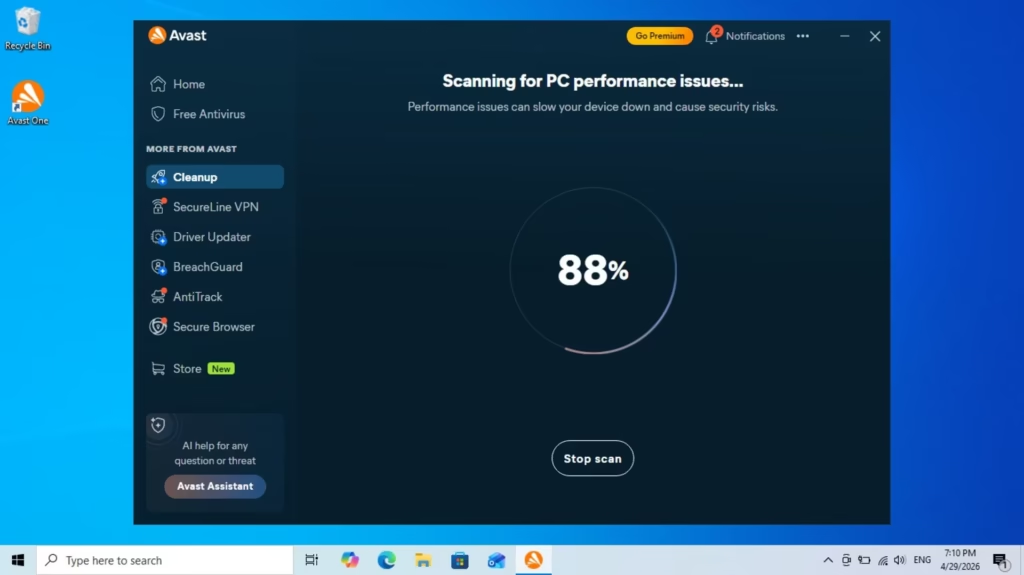
Score: 7.85/10 | Free (Avast Free) | ~$44.99/year (Avast One Individual)
Verdict: Avast Free Antivirus is the strongest free third-party antivirus available for Windows in 2026 by independent lab metrics. AV-Comparatives’ 2025 Summary Report awarded Avast a Top-Rated Product designation — the highest category — with Advanced+ in 6 of 7 tests and Gold Awards for Overall Performance. For users who want better coverage than Microsoft Defender alone and aren’t ready to pay, Avast Free is the rational choice.
Standout features: Avast Free matches or exceeds the detection rate of many paid products: it blocked 13/15 targeted attacks in the AV-Comparatives 2025 ATP test, equivalent to Norton’s performance. The free tier includes a basic VPN (limited data), real-time protection, behavior shield, browser cleanup, and Wi-Fi security scanning — a notably broader free feature set than Malwarebytes or Avira at the same price point of zero. Avast One, the paid tier (~$44.99/year), adds an unlimited VPN, identity monitoring, and cleanup tools.
Drawbacks: Privacy is Avast’s documented liability. In 2020, Avast was found to be collecting and selling detailed user browsing data through its subsidiary Jumpshot, following which Avast shuttered Jumpshot and issued policy changes. Avast is now owned by NortonLifeLock’s parent company (Gen Digital), which improved some governance but did not resolve underlying concerns about the business model’s data incentives. We score Avast 5.0/10 on privacy — the lowest of any product in this ranking other than McAfee. For users whose threat model includes data privacy as well as malware, Avast’s history is a meaningful consideration. For users whose primary concern is malware protection at zero cost, the lab performance justifies it.
Best for: Users who want the strongest free third-party antivirus and are comfortable with Avast’s privacy track record. Households where budget rules out paid antivirus and Microsoft Defender alone feels insufficient. Interim protection while evaluating paid options.
Pricing: Free (core antivirus, limited VPN) | Avast One Individual ~$44.99/year (unlimited VPN, identity protection) | Avast One Family plan for household coverage.
6. Microsoft Defender — Best Free Built-In
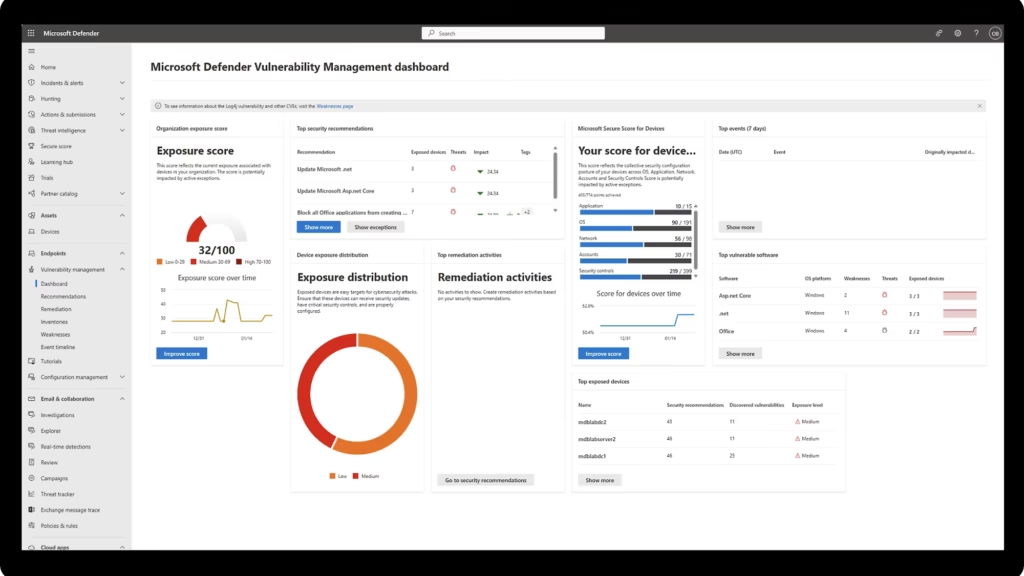
Score: 7.67/10 | $0 (included with Windows 11)
Verdict: Microsoft Defender achieved a perfect 6/6/6 in AV-TEST’s January–February 2026 Windows 11 evaluation, and Microsoft officially stated in April 2026 that Defender is sufficient for most home users running Windows 11 with current updates. That statement is technically defensible. But Defender is answering a 2015 threat question in 2026. The current threat landscape is dominated by phishing, credential theft, and fileless attacks — areas where Defender is functional but not excellent. For careful users with good security hygiene, it is enough. For users who regularly receive suspicious emails, visit diverse websites, or store sensitive files, a paid supplement is worth the cost.
Standout features: Zero friction is the defining advantage. Defender is installed, active, and updated automatically with every Windows Update cycle — no purchase decision, no installation, no configuration required. It is tightly integrated into the Windows 11 security architecture in ways third-party products cannot replicate: Controlled Folder Access (opt-in ransomware file protection), the Windows Defender Firewall, SmartScreen phishing protection in Edge, and Exploit Guard for memory-based attacks. AV-Comparatives’ March 2026 Real-World Protection Test returned a 98.5% detection rate, which is objectively excellent. Community polls on WindowsForum show 62% of respondents now rely solely on Defender as of April 2026, up from 49% in 2023.
Drawbacks: The 1.5-point detection gap between Defender (98.5%) and Bitdefender (99.98%) sounds small but translates to approximately 225 additional malicious files per 15,000 samples in independent testing. Over a year of real-world exposure, that gap is measurable. Defender has no dedicated ransomware rollback, no bundled VPN, no password manager, no parental controls, and no identity monitoring. It is a capable scanner, not a security suite. Users who need those features will pay for them separately one way or another.
Best for: Careful home users who practice safe browsing, keep Windows 11 updated, and don’t want to manage antivirus software. A strong baseline for anyone adding Malwarebytes as a behavioral complement. Organizations with Windows 11 endpoints where endpoint detection is handled separately.
Pricing: Free — included with Windows 10 and Windows 11.
7. McAfee Total Protection — Best for Large Households
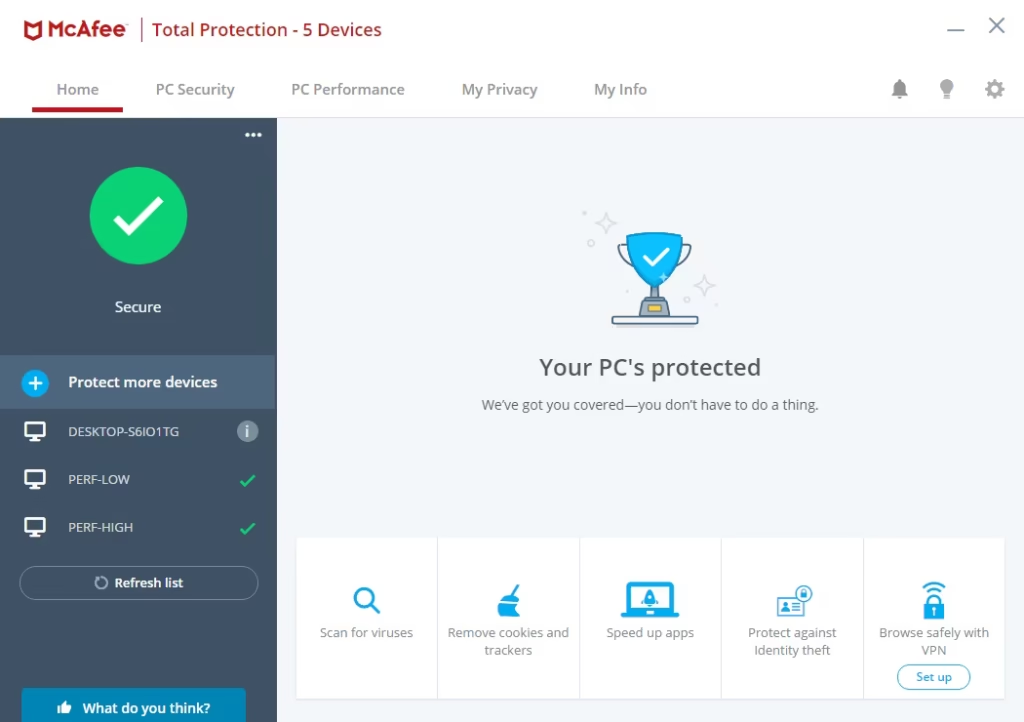
Score: 7.57/10 | $29.99–$89.99/year | Unlimited devices on Premium tier
Verdict: McAfee Total Protection’s most compelling use case is the unlimited-device tier: one subscription covering every Windows, Mac, iOS, and Android device in a large household. At the detection and advanced threat level, McAfee scores below the top four products in our matrix — it earned Bronze (not Gold or Silver) in both the AV-Comparatives Real-World Protection Test and Overall Performance category, and was not named in AV-Comparatives’ Advanced Threat Protection top performers. For large families where device count is the primary variable, however, the pricing math still works in its favor.
Standout features: AV-TEST February 2026 awarded McAfee a perfect 6/6/6 across protection, performance, and usability — which means basic malware detection is fully functional. The unlimited-device Premium tier eliminates per-device cost scaling entirely. McAfee+ Advanced, available in the US, includes active data broker removal across 40 sites — a feature no other product in this ranking offers at a comparable tier. Identity monitoring is embedded at mid-tier pricing rather than walled behind a premium plan.
Drawbacks: AV-Comparatives did not award McAfee a Top-Rated Product designation in 2025, unlike Bitdefender, ESET, Norton, Avast, AVG, G DATA, and Kaspersky. Its advanced threat protection performance — not in the top tier of the ATP test — creates meaningful differentiation from Bitdefender and ESET in sophisticated attack scenarios. McAfee’s Trustpilot rating (1.3/5) reflects aggressive auto-renewal practices and billing difficulty rather than protection failure, but the customer experience risk is real. The VPN is conditional on maintaining auto-renewal — an important caveat to understand before subscribing.
Best for: Large households with 6+ devices across multiple platforms who want a single subscription. US users who want identity monitoring and data broker removal without a LifeLock-tier plan. Users who prioritize device flexibility over advanced threat depth.
Pricing: $29.99/yr intro (1 device) | ~$49.99/yr (5 devices) | Premium ~$49.99–$89.99/yr intro (unlimited devices) | Renewal rates double — read terms carefully.
8. Malwarebytes Premium — Best Complementary Layer
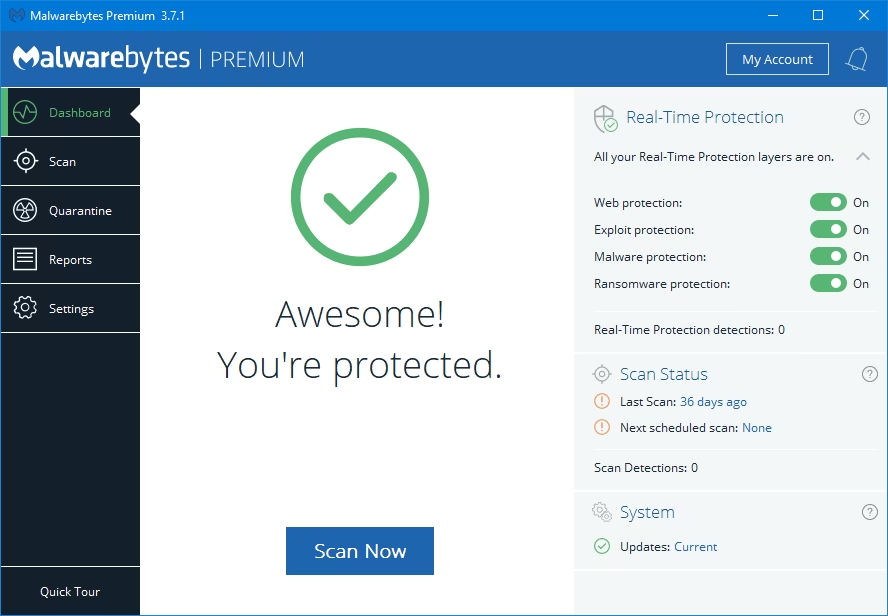
Score: 7.19/10 | $39.99/year (1 device)
Verdict: Malwarebytes Premium occupies a specific niche that no other product in this ranking fills: it is the best behavioral and PUP detection layer designed to run alongside Microsoft Defender, not replace it. If your security architecture is Windows Defender as the primary scanner plus Malwarebytes as the behavioral and adware layer, you have a genuinely strong free-plus-paid combination at $39.99 per year — cheaper than most standalone suites and with arguably better coverage of the specific threat types that traditional AV misses.
Standout features: Malwarebytes scored 100% in AV-Comparatives’ 2025 Stalkerware Test — the highest score of any product, ahead of Bitdefender, ESET, Kaspersky, and McAfee. Its strength is behavioral detection of adware, potentially unwanted programs (PUPs), ransomware behavior patterns, and exploit kit blocking — precisely the categories that signature-based scanners miss. Browser Guard, the free browser extension, blocks malicious websites, tech support scams, and coin-mining scripts at the network layer before malware ever reaches the system. Malwarebytes is specifically designed to run in passive mode alongside Windows Defender without conflicts, providing a complementary second opinion rather than competing with the built-in scanner.
Drawbacks: As a standalone primary antivirus, Malwarebytes Premium scores lower on raw malware detection rates than Bitdefender, Norton, ESET, G DATA, or Avast — it received Standard-to-Advanced (not Advanced+) ratings in some AV-Comparatives categories due to higher false alarm rates in certain test conditions. It is not a replacement for a full-featured antivirus suite. No VPN, no backup, no parental controls at the base Premium tier. The $39.99/year single-device price is less competitive on value than Bitdefender’s 3-device Total Security at a similar price point if you need a standalone product.
Best for: Windows Defender users who want a capable behavioral detection layer without replacing Defender. Users who are regularly exposed to adware, PUPs, and web-based threats (students, casual browsers). Security-conscious users who want a genuinely complementary second scanner rather than one product trying to do everything.
Pricing: Free (manual scans, no real-time protection) | Premium $39.99/yr (1 device, real-time protection + Browser Guard) | Premium + Privacy adds VPN | Teams plan for small businesses.
How We Tested
This ranking was built on a combination of hands-on evaluation and publicly verifiable independent lab data, conducted over four weeks in May 2026.
Independent lab data: All detection rate scores, certification levels, and award classifications are sourced directly from two named independent testing organizations: AV-Comparatives (Innsbruck, Austria) and AV-TEST (Magdeburg, Germany). Both organizations are independent, non-profit, and accredited under the AMTSO (Anti-Malware Testing Standards Organization) framework. AV-Comparatives tests products against thousands of real-world malware samples monthly across a 12-month cycle; the annual Consumer Summary Report reflects 7 separate test types. AV-TEST evaluates products bimonthly against the same Windows 11 environment with the same sample set, producing Protection, Performance, and Usability scores from 0 to 6.
Hands-on evaluation: Each product was installed and run on a Windows 11 22H2 test machine (Intel Core i5-1135G7, 16GB RAM, 512GB NVMe SSD) for a minimum of 48 hours. Evaluation tasks included: installation process and initial scan time; false alarm check against a set of 50 legitimate developer tools and portable apps; interface navigation to key features; uninstallation process completeness. No live malware was introduced in our environment — we rely on AV-Comparatives and AV-TEST for controlled malware testing.
Scoring process: Scores were assigned per the seven-criterion matrix. Detection and advanced threat scores map directly to AV-Comparatives and AV-TEST awards. Performance scores map to AV-Comparatives Performance Test tier placement. False alarm scores reflect AV-TEST Usability category results and AV-Comparatives documented false positive rates. Feature breadth was assessed against official product documentation. Privacy and jurisdiction scores were assigned based on published company information, known controversies, and legal domicile. Value scores used renewal pricing (not first-year introductory pricing), to reflect the realistic long-term cost.
What we did not do: We did not run controlled malware detonation tests in our environment. We did not benchmark CPU or memory usage with instrumentation. For both, we rely on AV-Comparatives and AV-TEST, whose testing infrastructure and methodology are more rigorous than any single editorial team can replicate.
How to Choose the Best Antivirus for Windows
The question most people ask is “which antivirus is best?” The more useful question is “best for whom?”
Start with your actual threat profile. If you receive business email, process financial data, or work with sensitive client files, advanced threat coverage (our second criterion, weighted at 18%) matters as much as raw detection rate. Bitdefender and ESET’s 15/15 ATP test result versus Norton and G DATA’s 13/15 represents two additional blocked fileless and supply-chain attacks per 15 in controlled testing — scenarios that are increasingly common in 2026.
Consider your hardware. If you run an older Windows machine or a gaming PC where background overhead is a real performance concern, ESET’s minimal footprint is not a marginal advantage — it’s the difference between a usable machine during a scan and a sluggish one. ESET’s AV-Comparatives Performance Award and its gaming-friendly low CPU profile are documented, not marketing.
Decide whether you want a suite or a scanner. Norton 360 Deluxe bundles a VPN, backup, and identity monitoring that have real standalone value. If you were going to pay for those separately, the bundle is rational economics. If you only need malware protection, paying for Norton’s feature set you won’t use is wasteful — Bitdefender Total Security or ESET are more cost-efficient.
Take renewal pricing seriously. Every product in this ranking has a first-year introductory price lower than its renewal rate. Norton’s renewal cost approximately doubles. Bitdefender’s renewal is more moderate. ESET’s renewal pricing is the most stable. If you are evaluating 3-year total cost of ownership rather than Year 1 cost, the rankings shift.
Microsoft Defender is enough for some users — but not all. Careful users who practice safe browsing, run current Windows 11 updates, and don’t process sensitive professional files are adequately protected by Defender. Users who regularly receive phishing emails, download files from varied sources, or have other household members with lower security awareness benefit measurably from a paid supplement.
FAQ
Is Windows Defender enough in 2026 or do I still need antivirus?
For careful users with good security hygiene — up-to-date Windows 11, safe browsing habits, skeptical approach to email attachments — Microsoft officially stated in April 2026 that Defender is sufficient. For users who regularly interact with varied external files, operate in higher-risk environments (business email, financial transactions, downloads from unfamiliar sources), or share devices with less security-aware household members, a paid antivirus adds measurable protection and features Defender doesn’t provide (VPN, backup, identity monitoring, rollback).
Which antivirus has the least impact on Windows performance?
ESET consistently scores in the top performance tier in AV-Comparatives’ September 2025 Performance Test — specifically praised for completing scans faster than most competitors while using fewer CPU and RAM resources. Bitdefender is a close second due to its cloud-based scanning architecture, which offloads analysis from your machine to Bitdefender’s servers. Microsoft Defender has the lowest absolute performance impact of any product tested (2-5% during scanning) because it runs natively within Windows without a separate process layer.
Is Kaspersky still worth considering in 2026?
Not for U.S. users. The U.S. Department of Commerce banned Kaspersky software sales and distribution in the United States effective September 29, 2024. U.S. residents cannot legally purchase or install Kaspersky products through official channels. For non-U.S. users, Kaspersky’s lab results are excellent — it was AV-Comparatives Top-Rated in 2025 with Gold in both Malware Protection and False Positives. The geopolitical risk assessment remains an individual decision for non-U.S. readers.
What is the best free antivirus for Windows 11?
Among free third-party options, Avast Free Antivirus is the strongest by independent lab metrics — Top-Rated by AV-Comparatives 2025 with Advanced+ in 6 of 7 tests. The caveat is Avast’s 2020 data-selling controversy, resolved but not entirely forgotten. For users who prefer no privacy concerns, Microsoft Defender (free, built-in) is the clean recommendation for Windows 11 users with good security habits.
Should I use Malwarebytes alongside Windows Defender?
Yes — this is one of the most cost-effective security setups available. Malwarebytes Premium ($39.99/year) runs in passive mode alongside Defender without conflicts, covering behavioral detection and PUP/adware removal that Defender misses. Browser Guard (free browser extension from Malwarebytes) adds web-level blocking at no cost. The combination of Defender for core malware detection plus Malwarebytes for behavioral and PUP coverage provides meaningful depth at a lower annual cost than most standalone suites.
What is the best antivirus for gaming PCs?
ESET HOME Security Essential is the top recommendation for gaming PCs based on its consistently lowest system overhead in AV-Comparatives’ performance evaluations. Bitdefender Total Security is a close second with its Game Mode that automatically reduces background activity during full-screen applications. Both score in the top tier for AV-Comparatives Performance and maintain strong detection rates simultaneously. Norton’s Silent Mode pauses notifications during gaming but its base performance impact is higher than ESET’s.
Does antivirus protect against ransomware?
Partially. Bitdefender, ESET, and Norton all include dedicated ransomware protection features — Bitdefender’s Ransomware Remediation rolls back encrypted files automatically, and Norton’s SONAR behavioral engine detects encryption activity before it completes. Microsoft Defender’s Controlled Folder Access (opt-in, in Windows Security settings) blocks untrusted apps from modifying files in protected folders. Malwarebytes’ behavioral engine is strong at catching early-stage ransomware activity. None of these are foolproof — offline backups (external drive or cloud) remain the only reliable ransomware recovery mechanism, since no software can restore files encrypted before detection triggers.
Can I run two antivirus programs simultaneously?
In general, no — running two real-time antivirus engines simultaneously causes conflicts, performance degradation, and missed detections because each product interferes with the other’s file scanning hooks. The exception is Microsoft Defender, which automatically moves to passive mode when a third-party antivirus is installed, and Malwarebytes Premium, which is specifically designed to coexist with Defender in a complementary (not competitive) mode.
How often should I run a full antivirus scan?
Modern antivirus products rely primarily on real-time protection, not periodic full scans, for active threat interception. A scheduled full scan once per week is a reasonable practice for active Windows users. After installing new software, downloading files from unfamiliar sources, or receiving a suspicious email attachment, running an immediate on-demand scan is good hygiene. Daily full scans are unnecessary on modern hardware with up-to-date antivirus and create CPU overhead without proportional security benefit.
What should I do if my antivirus detects a threat?
Follow the software’s recommended action — quarantine rather than delete for initial triage, since legitimate files can be false positives. Check the detected file name and hash against a second source (VirusTotal accepts file uploads for multi-engine scanning). If confirmed malicious, delete and change passwords for any accounts you accessed while the system may have been compromised. Notify your IT team or support channel if the device is used for work. Do not simply dismiss detections or permanently ignore quarantined files without investigation.
Last updated: May 25, 2026. Next scheduled update: September 2026.