

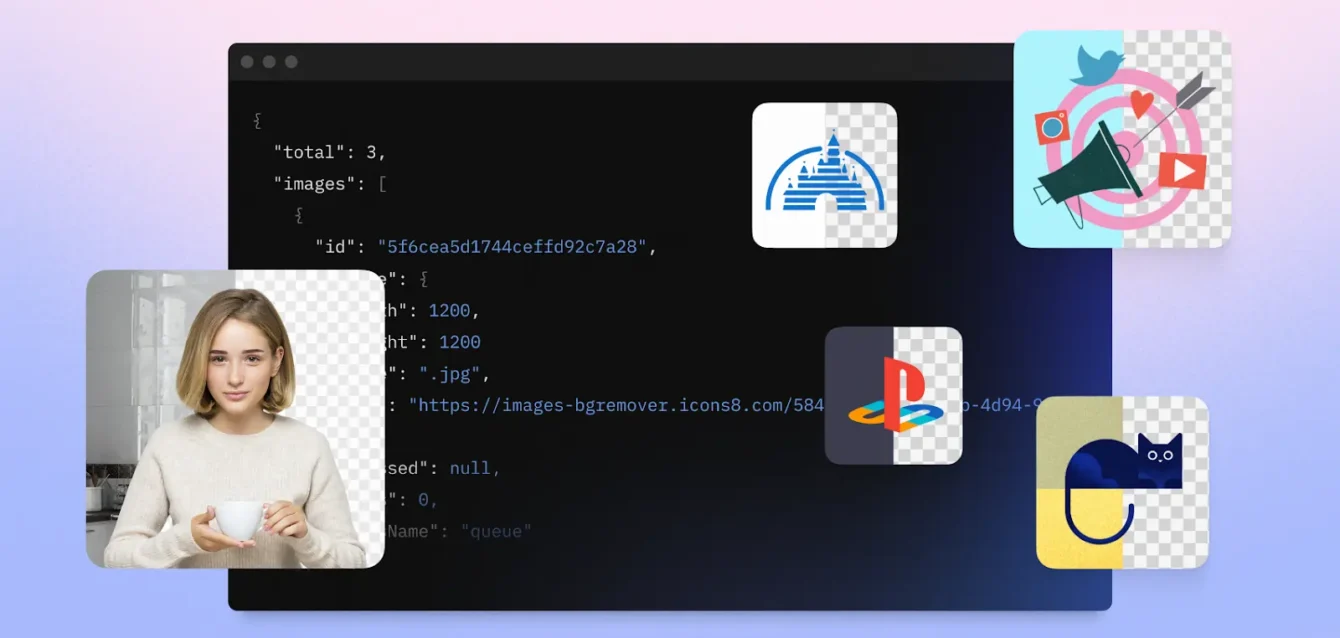
Export SVGs from Figma. Run the optimizer. Bundle the sprite. Push to production.
For years, that sequence defined web development asset management. It works perfectly for brochure sites or static dashboards. But when building a design tool, a content management system, or an application requiring dynamic access to thousands of visual assets, static bundles fail.
The Icons8 API solves the scale problem by shifting asset management from local repositories to remote, queryable infrastructure. Instead of hoarding a few hundred icons in a codebase, developers gain programmatic access to a massive library of icons, illustrations, photos, and music.
The Argument for API-Driven Asset Management
One question matters for engineering leads: When does the Icons8 platform outperform self-hosting?
Standard corporate websites with a fixed set of 50 icons don’t need this. Serving those statically remains the best way to minimize latency.
The API becomes the superior architectural choice when an application must offer choice to the end-user. Presentation builders, white-label website creators, and collaborative whiteboard tools cannot predict which assets a user will want. You cannot bundle 100,000 icons “just in case.” In these scenarios, offloading search, categorization, and delivery infrastructure to a dedicated service becomes a requirement for performance, not just a convenience.
Scenario 1: Building a User-Facing Design Tool
Consider a startup building a social media post creator-a “Canva-lite” for a specific niche. The requirement: allow users to search for “business” or “celebration” and drag stickers onto a canvas.
The Implementation
Security comes first. The engineering team sets up a proxy server to handle authentication, ensuring the API key never hits frontend code.
- Search: A user types “rocket” in the sidebar. The frontend pings the backend, which forwards the request to the Icons8 Search API. A JSON object returns, containing low-resolution previews and metadata for matching icons.
- Filtering: Strict style filters apply here. The team restricts results to “Color” or “Office” styles to match the app’s branding. Mismatched styles get excluded to keep the UI clean.
- Selection: The user clicks a thumbnail. The application calls the Download endpoint, retrieving the high-fidelity SVG or high-res PNG.
- Manipulation: Since they requested the SVG format, the application programmatically changes the icon’s colors to match the user’s selected palette before rendering.
This workflow turns a static asset library into a live, searchable database without bloating the initial application load time.
Scenario 2: Automating Enterprise Design Systems
Large enterprises face a different beast: the friction between design and development. Take a fintech company managing five internal portals.
The Workflow
Designers use Icons8 assets in mockups. Previously, developers manually exported these assets every time a design changed. Now, the DevOps team integrates the API directly into their CI/CD pipeline.
- Configuration: A config file lists the specific asset IDs required for the build.
- Build Process: During the build, a script hits the API. It checks if updated versions of these specific assets exist or if new assets appeared in a watched collection.
- Asset Retrieval: The script downloads required SVGs, optimizes them, and generates the sprite sheet automatically.
- Deployment: The application deploys with fresh assets. No developer ever manually opens an image file.
This “Asset Pipeline” approach ensures production icons always match the source of truth without manual intervention.
A Typical Integration Workflow
Here is the reality of the developer experience.
Meet Jaren. He works on the backend for an e-commerce platform where sellers upload product photos. These photos are often messy, taken on kitchen tables or cluttered desks. His task is standardization.
Jaren starts by reviewing documentation and generating an API key. His first test is a simple cURL command in the terminal. He needs to verify the endpoint accepts his test image.
It works. He gets a 200 OK response and a clean PNG with a transparent background.
Next, Jaren writes a Python script. He sets up a listener on the S3 bucket where users upload raw images. When a new image lands, the script triggers. He constructs the request to the API icon or background removal endpoint, passing the image URL.
Then, a snag.
Rate limits kick in. During an initial bulk test of 500 images, he receives a 429 status code. He realizes he needs a backoff strategy. Jaren refactors the script to queue requests and process them with a slight delay, respecting the API’s throughput limits.
Finally, he handles the output. The API returns the processed image. Jaren saves it to a “processed” bucket, updates the database record, and the product goes live on the site with a professional, white background. The entire process happens asynchronously, invisible to the user.
Limitations and Trade-offs
Volume solutions create dependency problems. You must manage them.
Latency and Network Reliance
Every API call is a network request. Designing an application to fetch an icon from Icons8 every time a component renders will make the UI feel sluggish. You trade the instant load of a local file for the variety of a remote database. Caching strategies-using LocalStorage or a service worker-are mandatory. Once an icon is fetched, it should not be requested again during the session.
Rate Limiting and Costs
Free tiers help with prototyping. Production apps with moderate traffic hit those limits fast. Unlike self-hosting, where cost equals bandwidth, here you pay for access. Calculate projected volume carefully. 400,000 daily active users loading dynamic dashboards means 400,000 API calls unless caching is robust. That bill scales quickly.
Dependency Management
Downtime happens. If the API breaks, your asset picker breaks. Critical UI elements like navigation icons should always rely on local fallbacks. Use the API for the “long tail” of content, not the core interface elements required for the app to function.
Comparing Alternatives
Icons8 API vs. Static Bundles
Static bundles are faster, free, and rigid. A user wants a “taco” icon and you didn’t bundle it? They are out of luck. The API is slower and costs money, but offers infinite flexibility. Choose the API for content creation tools; choose bundles for static UI.
Icons8 API vs. Other APIs (Iconfinder, Flaticon)
Stylistic consistency acts as the main differentiator. Many competitor APIs aggregate content from thousands of different designers. This results in search results where a “thick line” icon sits next to a “flat color” icon, creating a jarring visual experience. Icons8 focuses heavily on consistent packs. Querying for a specific style returns assets sharing the same stroke width and design language. This consistency keeps the app looking professional.
Practical Implementation Tips
Commit to these technical best practices before shipping:
- Proxy Your Requests: Never use an API key directly in client-side code. Anyone can inspect the network tab and steal the quota. Build a lightweight middleware to hold the key and forward requests.
- Leverage Formats: The API supports PDF, PNG, and SVG. Always request SVG for UI elements to ensure they remain crisp on high-DPI screens. Use PNG only for complex illustrations with shadows or gradients that render poorly in vector.
- Use the CDN: For public-facing assets, using the CDN delivery method often beats downloading and serving the bits yourself. It offloads bandwidth to Icons8’s infrastructure.
- Filter Aggressively: The library is huge. Restrict search queries by category or style. Irrelevant results clutter the interface. Filter out “doodle” styles for serious apps. Filter out “office” styles for playful ones.
The Icons8 API bridges the gap between static design files and dynamic application needs. Treating visual assets as data rather than files allows developers to build richer, more adaptable interfaces-provided they manage the architectural complexity effectively.