

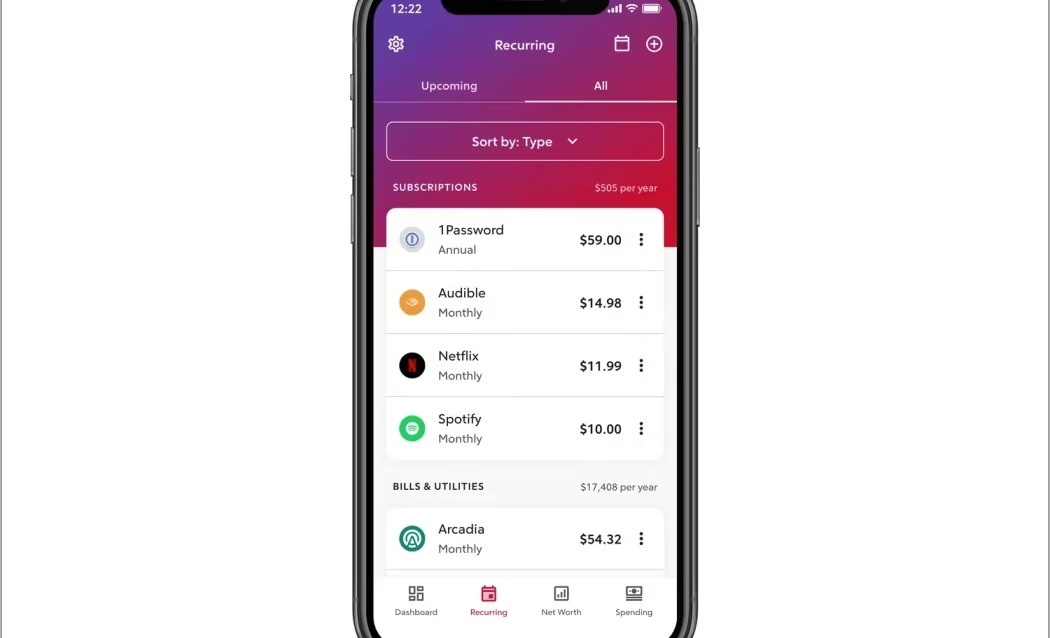
How to Track All Subscriptions The fastest way to track all your subscriptions in 2026: audit four sources in sequence — your iPhone or Android app store, your bank and credit card statements, your email inbox, and PayPal or digital wallets….

How to Check Your Credit Score Free in 2026 (Step-by-Step)
How to Check Your Credit Score Free in 2026 Last updated: June 7, 2026 You have four legitimate ways to see your credit score for free in 2026 without triggering a hard inquiry: through AnnualCreditReport.com for your full credit reports (no…

Market Research for Target Audience: How to Find the Right Buyers (2026)
Market Research for Target Audience June 3, 2026 | Last updated: June 3, 2026 Quick Answer: Market research for your target audience means systematically collecting data to understand who your buyers are, what they need, and where to reach them. The…

How to Remove Your Information from the Internet in 2026 (Step-by-Step)
How to Remove Your Information from the Internet in 2026 Quick Answer: Removing your personal information from the internet requires attacking four fronts simultaneously: auditing what’s already out there, using Google’s “Results About You” tool to deindex search results, submitting opt-out…
How to Record Your Screen on Windows 10 & 11 (Every Method, No Fluff)
How to Record Screen on Windows 10 & 11 Last Updated: May 2026 Windows has three built-in screen recording options: Xbox Game Bar (Windows 10 & 11), Snipping Tool (Windows 11 only), and Clipchamp (Windows 11). For Windows 10 users who…

How to Take a Screenshot on Mac, Windows, iPhone, and Android (Every Method, Tested)
How to Screenshot Last updated: April 22, 2026 Taking a screenshot takes less than a second once you know the right shortcut. The problem is that every platform does it differently, most guides don’t tell you what actually goes wrong, and…
How to Delete Cookies on Any Browser (2026)
How to Delete Cookies on Any Browser (2026) Last Updated: April 2026 The fastest path on any desktop browser: Press Ctrl + Shift + Delete (Windows/Linux) or Command + Shift + Delete (Mac). This opens the clear browsing data menu directly…
How to Screen Record on Mac (2026): Every Method, Every Fix
How to Screen Record on Mac 2026 Last Updated: April 2026 Press Shift + Command + 5. Choose your recording area. Click Record. Done. That’s the fastest path on any Mac running macOS Mojave or later — which is every Mac…
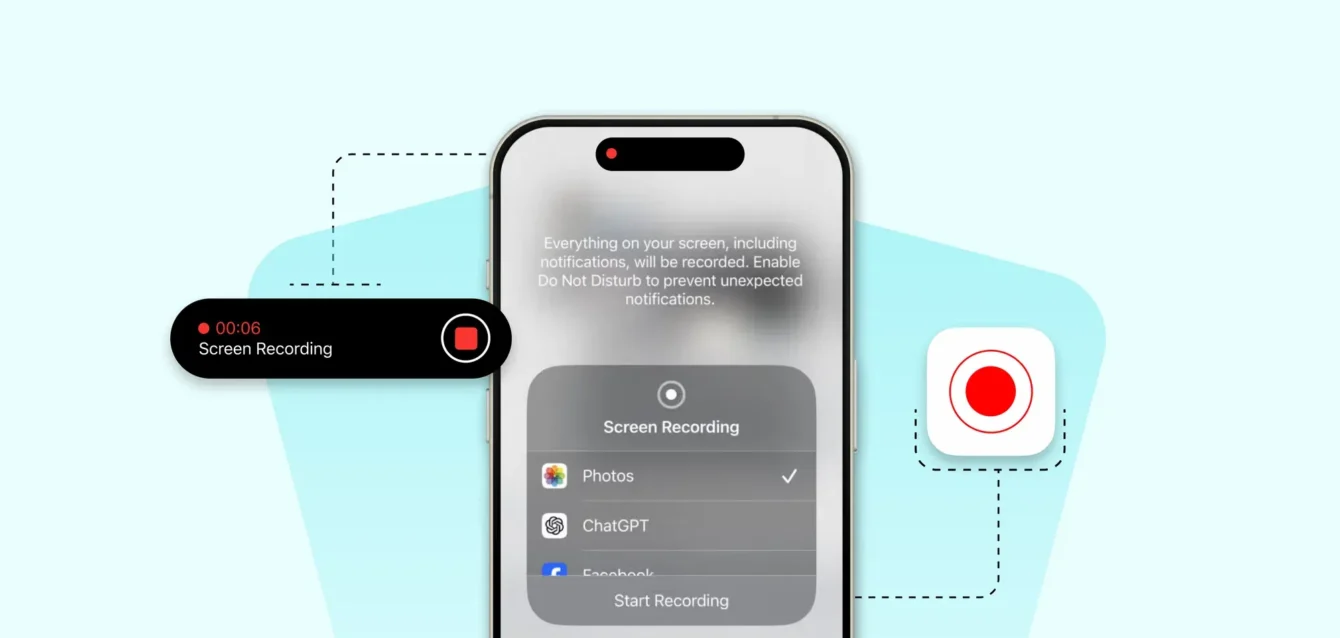
How to Screen Record on iPhone (2026): Every Method, Every Fix
How to Screen Record on iPhone Last Updated: April 2026 Swipe down from the top right. Tap the circle-inside-a-circle button. Wait three seconds. Done — you’re recording. That’s the short version. If you’re already set up, that’s all you need. But…
How to Clear Cache on Any Device 2026: The Complete Guide
How to Clear Cache on Any Device 2026 Last Updated: April 2026 A page loaded wrong. A site is showing you old information after an update. An app is acting up for no obvious reason. Nine times out of ten, clearing…